Student Support Request
How to Submit a Student Support Request
1. DMACC students can find the Student Support Request form on their myDMACC dashboard. The form is one of the large tiles in the middle of the screen.
2. In the top right corner of the screen, click the Assistance icon.
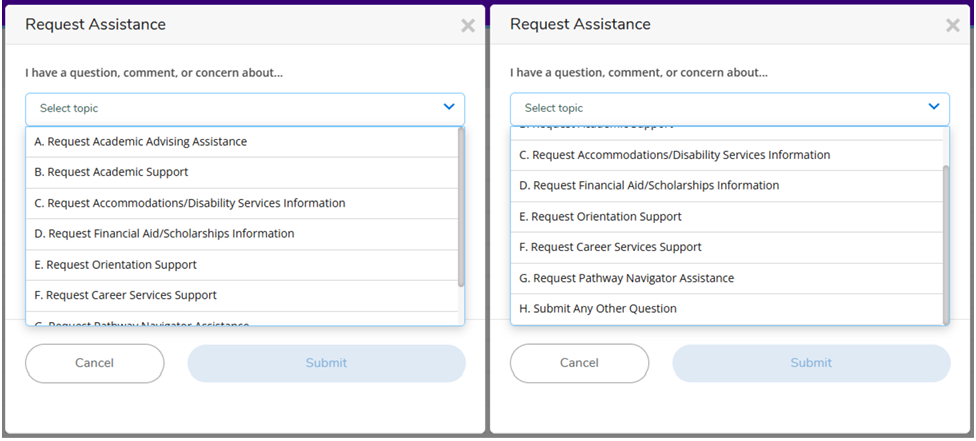
3. Select an available topic.
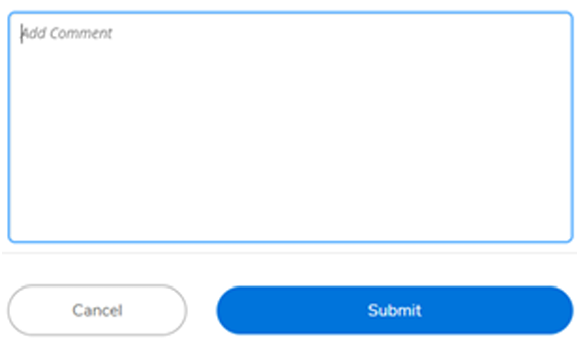
4. Add details regarding your request, and then click submit.
Questions?
Contact Wesley Harris at lwharrisjr@dmacc.edu or 515‐964‐6271.